International Dot Day is September 15th-ish! It's a time to celebrate creativity.
The Circle Panda Lesson makes for a fun Dot Day activity. The Panda is drawn with only circles (37, to be exact). Pretty creative, eh?

Level = Beginning Blue
🟦⬜️⬜️⬜️⬜️
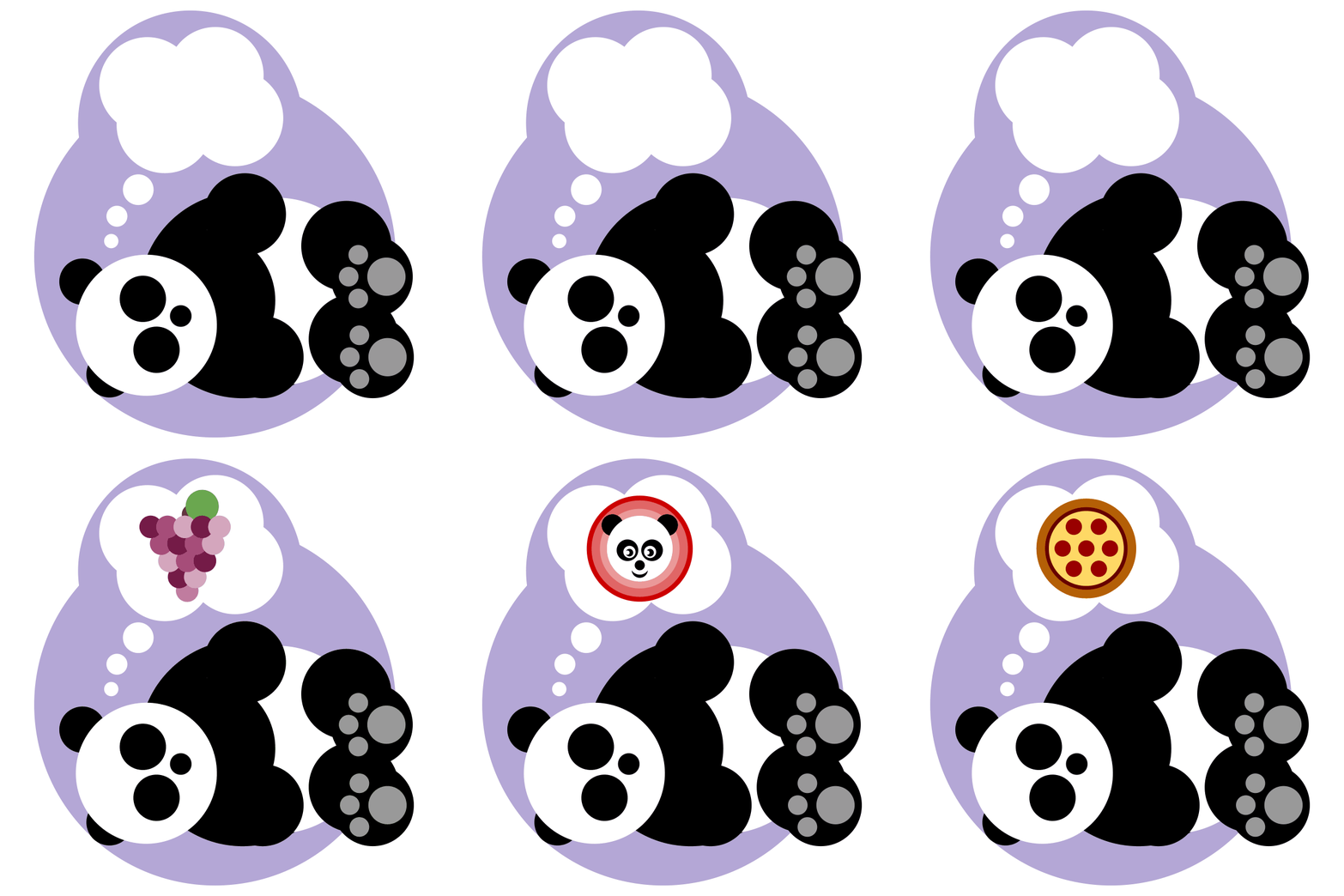
The Circle Panda is dreaming about things made of circles! As you can see, it's possible to draw delicious things like grapes and pizza with only circles!
And now there's a brand-new lesson that takes the idea even further...
New Lesson: Circle Pictures
I just put the finishing touches on a brand-new lesson! The instructional video in the Circle Pictures Lesson shows students how to draw and resize perfect circles, as well as how to send a shape backward. Those skills will come in handy as students create an animal, food, or object using only circles.
In the lesson's video, I show three dozen different pictures drawn entirely with circles. Students can use these as inspiration for drawing their own pictures.

Level = Beginning Blue
🟦⬜️⬜️⬜️⬜️
The side activity changes up the challenge by inviting students to draw using only triangles!
The Circle Pictures Lesson is perfect for celebrating creativity on International Dot Day!
Face Lesson
Here's another Beginning Blue lesson that starts with a circle: The Face Lesson. This lesson is freely available to everyone. No membership required. The circle becomes a winking emoji, and students can use it as inspiration for creating their own emojis.

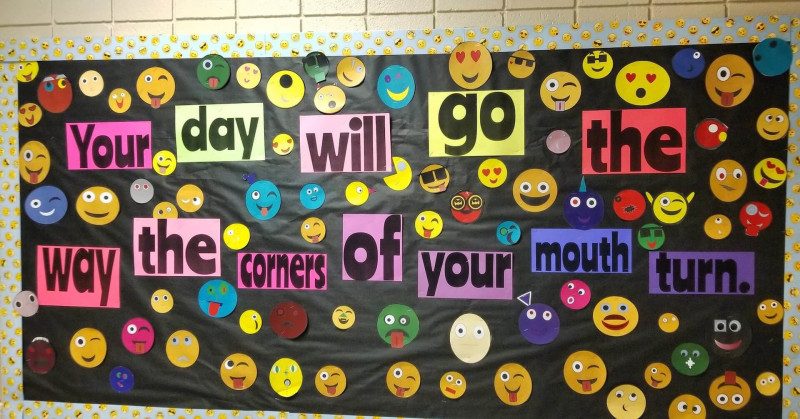
That's what Paula Franks' students did, and she printed their creations to assemble a beaming bulletin board.
Shapegrams Junior
And if you're looking for something for your youngest learners, I've been busy adding to Shapegrams Junior.
Shapegrams Junior is a set of online picture puzzles designed for ages 5 to 10. Young learners drag, rotate, resize, and color shapes while building fine motor skills. And they discover how shapes combine to create something new.
Shapegrams Junior is a free app on Teacher Hive. There are no accounts, no logins, no passwords. The teacher simply creates a playlist and sends the link to students. Students play in their web browser on a computer or tablet.
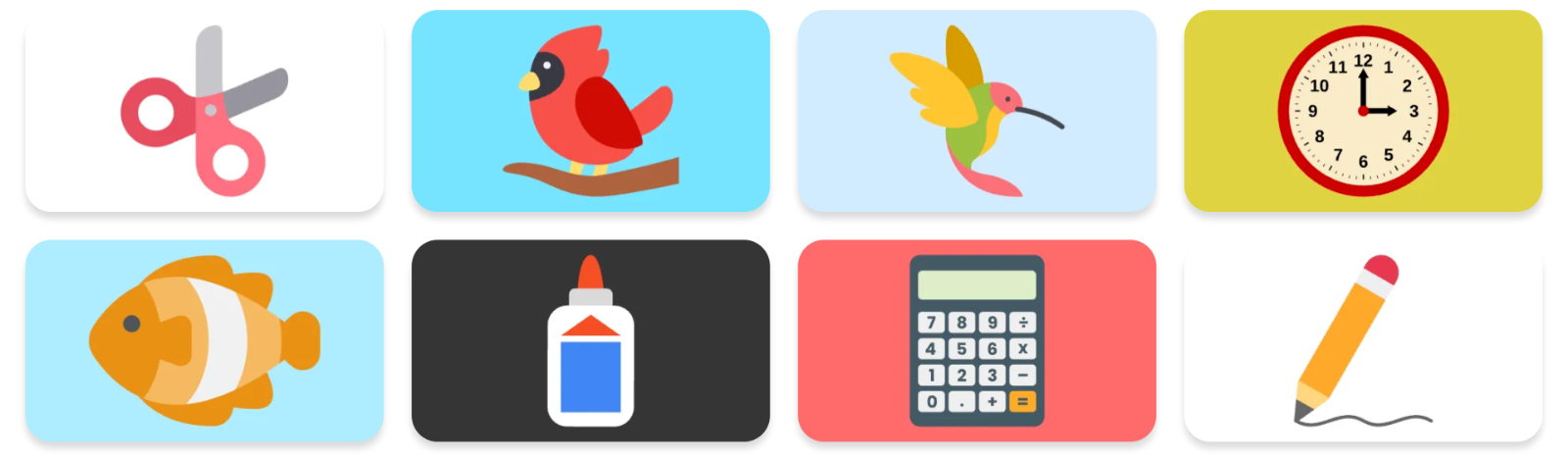
I'm adding a few new pictures each week. Recently, I've added pictures of scissors, a backpack, a cardinal, a hummingbird, a clock, a skunk, a fish, glue, a calculator, and a pencil.
What's great about Shapegrams Junior is the flexibility. Every picture can be played 7 different ways. When you build a playlist for your students, you choose the modes that your students are ready for.
Snappy
Drag each shape onto the picture. It snaps into place.Turny
Shapes start turned. Spin them upright, then they snap in.Stretchy
Shapes start the wrong size. Stretch each one to the right size, then it snaps in.Stacky
Shapes start turned and snap in. Use the order buttons to stack them right.Colory
Shapes start gray. Place, turn, and stack them, then paint each its color.Tricky
The hardest! Only a dashed outline to guide you. Place, turn, resize, stack, and paint every shape.Freely
Move, turn, resize, paint, and stack the shapes any way you like, then save your creation.
Shapegrams Junior is free. I hope it inspires students to want to continue learning about digital art.
However you celebrate International Dot Day, I hope your students get plenty of chances to be creative this month. That's what Shapegrams are all about!
Smiles from Iowa,
Tony